


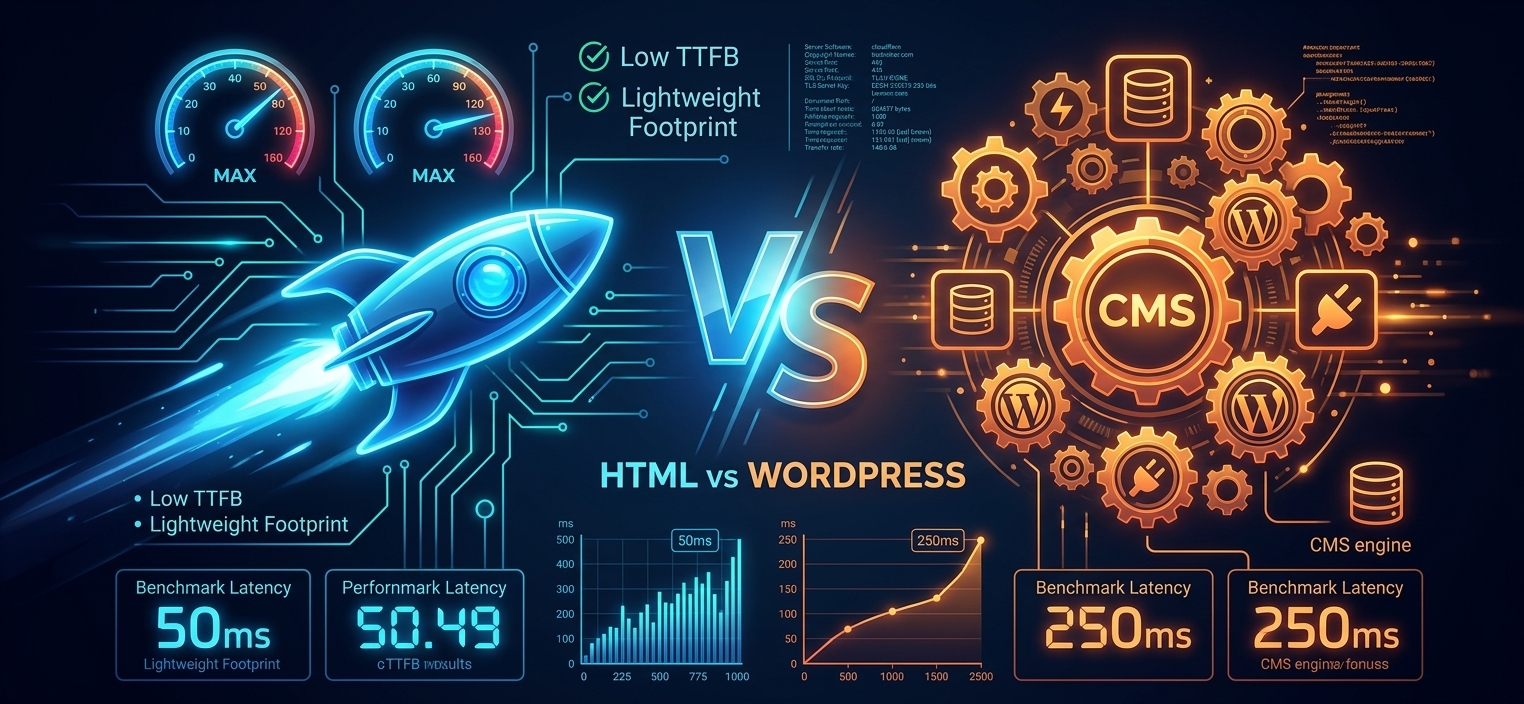
When deciding how to build a web platform, visual aesthetics are only half the battle. A side-by-side comparison of testhtml.haxmor.com (running lightweight static HTML served via LiteSpeed) and haxmor.com (running WordPress routed through Cloudflare) shows two sites that look and render 100% identically across all frontend elements. Both support dynamic visual elements, animated graphics, and real-time updating workflow pipeline diagrams.
However, under the hood, their performance architecture and backend execution differ fundamentally.
Visual Parity vs. Performance Metrics
Using ApacheBench (ab -n 100 -c 10) to test load handling across 100 requests at a concurrency level of 10, key technical differences emerge between the static HTML and WordPress deployments:
| Metric | Static HTML (testhtml.haxmor.com) | WordPress (haxmor.com) |
| Payload Size | ~65 KB | ~229 KB (3.5x larger) |
| Throughput | 6.83 req/sec | 6.59 req/sec |
| Average Processing Time | 642 ms | 833 ms |
| Worst-Case Latency Cap | 2.07 seconds (2,079 ms) | 3.62 seconds (3,626 ms) |
Key Technical Findings
- Raw Server Processing Speed: Static HTML processes requests 23% faster on average because it delivers static content directly and bypasses database execution loops, PHP runtime overhead, and back-end query processing.
- Consistency & Tail Latency Under Load: While 50% of requests for both platforms completed around 1.3 seconds, tail latency under concurrency spikes diverged significantly. Static HTML demonstrated 43% greater consistency by capping its longest request at ~2.0 seconds, compared to WordPress spiking up to ~3.6 seconds.
- Payload Efficiency: WordPress shipped roughly 250% more code per request (~229 KB vs. ~65 KB), increasing server overhead and transport size.
Which Architecture Should You Choose?
- Choose Static HTML if your priority is raw server processing speed, minimal maintenance overhead, rock-solid security, and low tail latency during traffic bursts.
- Choose WordPress if you require a user-friendly, non-technical Content Management System (CMS) for frequent content publishing, where edge caching can mitigate dynamic database execution overhead.